FreeBSD on Aoostar WTR Pro NAS
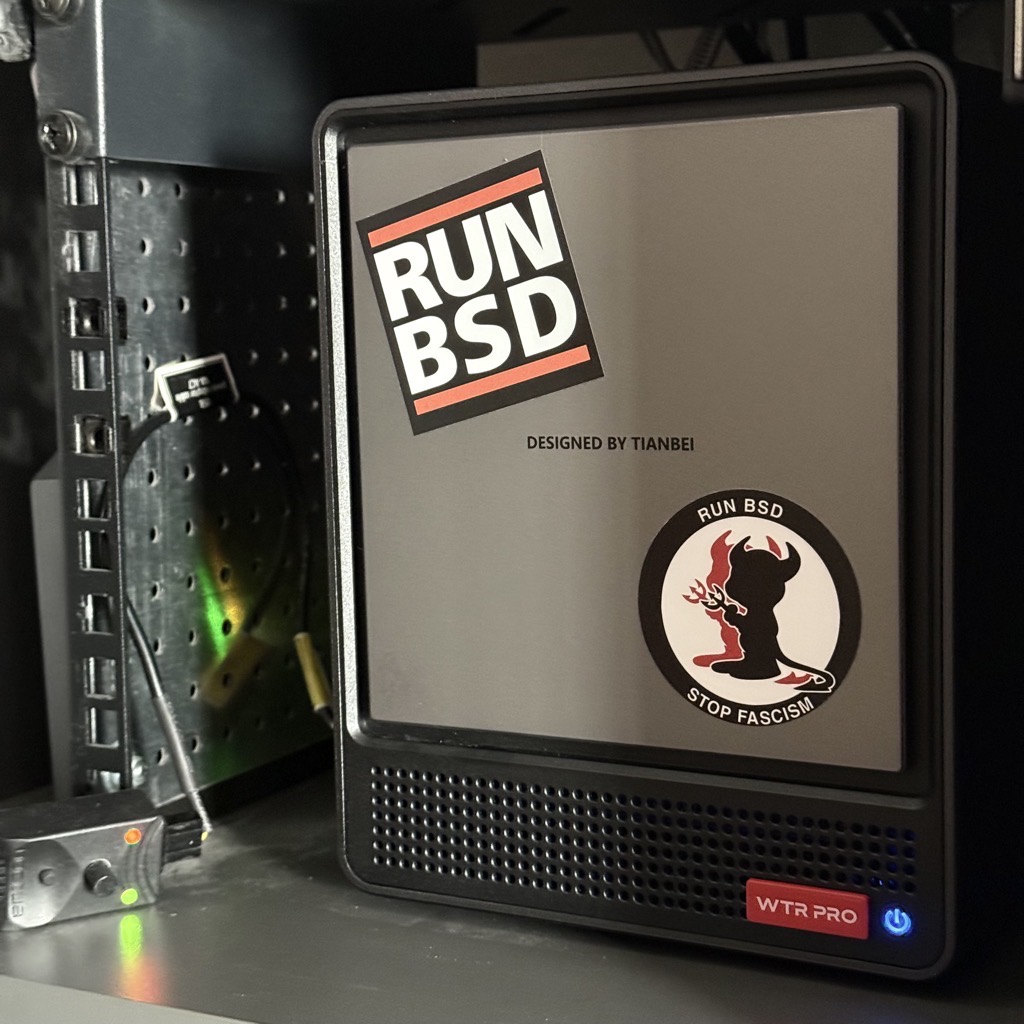
The author wanted a NAS that offers both NVMe and SATA storage, is small enough for a 10-inch rack, uses a low-power CPU and modest wattage, and can run a non-proprietary OS—with the added requirement that it must run any BSD. They found the AOOSTAR WTR Pro Ryzen edition meets those prerequisites and report what they discovered. The article focuses on FreeBSD, with only a quick look at other BSDs to get a rough idea of default behavior, so the BSD comparisons are not a fair features or power-usage comparison; more time was spent tuning FreeBSD. The write-up includes sections for build quality, BIOS, Linux, NetBSD 11.0, OpenBSD 7.9, FreeBSD 15.1, and 'Shut up fans!'
Build quality is strong: the case is metal rather than plastic, feels cold to the hands in a 25–27 °C room, and fits a 10-inch rack well. RAM and NVMe slots are underneath the machine and accessible with screws; the slots are numbered to prevent surprises when plugging devices and matching OS IDs. SATA disks are accessible from the front behind a magnetic cover that hides caddies and LEDs. The caddies use a click-and-pull mechanism; 3.5-inch SATA disks use a smart tool-less mounting system, while 2.5-inch SATA disks must be screwed to the tray and are less trouble-free—the author needed several tries and failures to plug them in, apparently needing to lift the caddy slightly, after which everything worked as expected. SATA disks are numbered from bottom (SATA 1) to top (SATA 4), which may matter for device-number IDs. The fan is noisy by default, producing a low-pitched sound that seems to resonate with the metallic case. The author mentions watching Hardware Haven and Robtech review videos plus an Aoostar WTR Pro Ryzen 7 5825U BIOS walkthrough before buying.
In the BIOS, SecureBoot is disabled by default, making FOSS systems straightforward; F7 brings up the boot selection menu and Del enters the BIOS. With a single 32 GB memory module and no storage, waiting on the BIOS PC Health Status page consumes about 28 W. That page reports System Temp 26 °C, CPU Temp 68 °C, CPU fan around 1900 RPM, and system fan around 820 RPM—explaining the whistling noise. Unplugging a USB 10-inch 800x600 LCD and USB keyboard did not change power usage, and plugging in the RJ45 cable also did not change consumption. Adding two NVMe drives did not seem to change power consumption much. The author monitors power with a Fibaro FGWP-102 and Home Assistant, so a watt or two might be missed.
For Linux, review videos announced really low power usage using Proxmox in IDLE mode. Not knowing Linux that much, the author went on to install it, though the excerpt cuts off at that point.